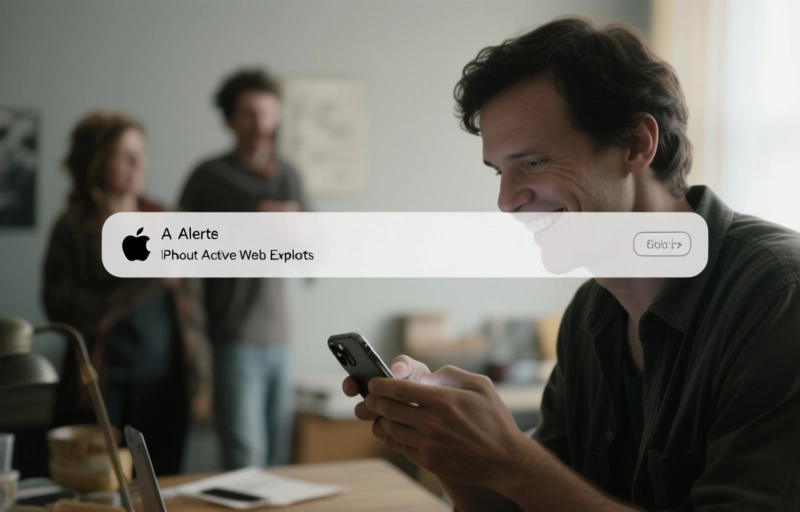
Hey there. So, Apple's doing something pretty interesting right now. They're sending direct Lock Screen notifications to iPhones and iPads that are running older, outdated versions of iOS and iPadOS. It's not your typical "update available" nudge. This is an urgent alert about active, web-based attacks targeting those specific software versions.
Think about that for a second. Your phone lights up, and right there on the lock screen is a message from Apple saying, essentially, "We know bad guys are trying to hack phones like yours right now." That's a powerful shift. It moves security from being a background task you might get to later, to an immediate, in-your-face priority.
### What's Actually Happening?
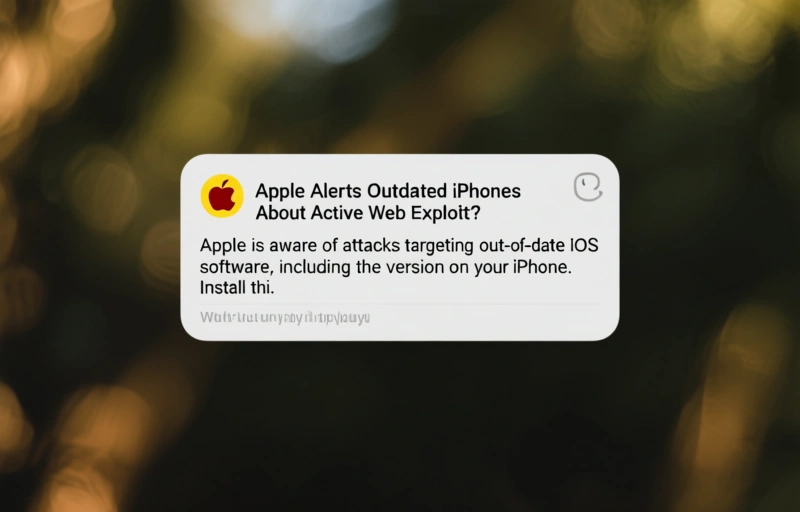
These aren't vague warnings. The alert reportedly says: "Apple is aware of attacks targeting out-of-date iOS software, including the version on your iPhone. Install this critical update to protect your iPhone." The key phrase is "aware of attacks." That means these aren't theoretical vulnerabilities that *could* be exploited someday. These are flaws that are actively being used in the wild, right now, to compromise devices.
Web-based exploits are particularly sneaky. You don't have to download a shady app or click a crazy link in an email. Sometimes, just visiting a compromised website with a malicious script can be enough to trigger an attack on an unpatched device. Your browser is the gateway.
### Why This Alert Method Matters
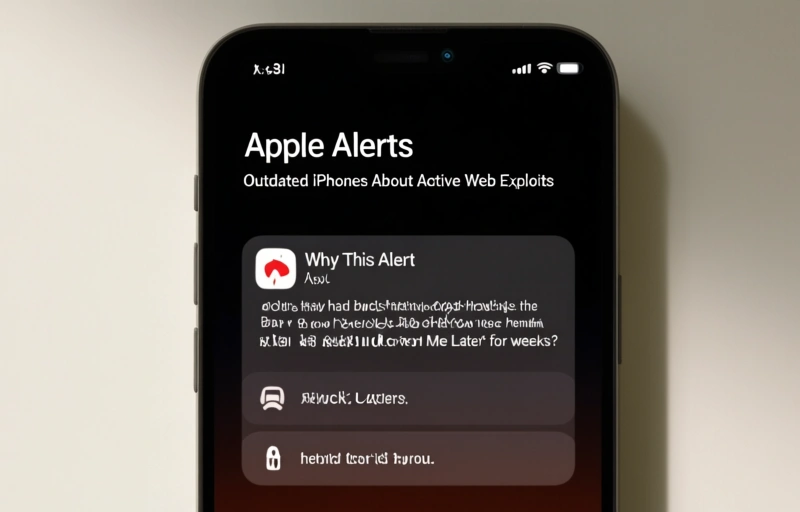
Apple has always pushed updates through the Settings app. But let's be honest, how many of us tap "Remind Me Later" for weeks? This new lock screen method cuts through the noise. It's impossible to miss. It treats critical security updates with the urgency they deserve, especially for users who might not follow tech news and have no idea their version of iOS has a known, active threat.
It shows Apple is taking a more aggressive, proactive stance on getting everyone secured. In the digital privacy world, an unpatched device is a vulnerable device. Period. No amount of strong passwords or VPNs can fully protect you from a known flaw in the operating system itself.
### What You Should Do If You Get This Alert
If you see one of these notifications on your iPhone or iPad, here's your action plan:
- **Do not ignore it.** This is the most important step. Treat it with the same seriousness as a smoke alarm.
- **Tap the notification.** It should take you directly to the software update section in Settings.
- **Install the update immediately.** If you can, connect to Wi-Fi and plug your device into power. The update is likely critical and shouldn't wait.
- **Restart your device** after the installation completes to ensure everything is running smoothly on the new, secure version.
For those of us who think about online fingerprints and privacy daily, this is a fascinating development. It highlights a core principle: your first line of defense is always a secure, updated system. All other tools and strategies build on that foundation.
### The Bigger Picture for Digital Security
This move by Apple is a welcome escalation in the fight for user security. It acknowledges a simple truth: user convenience often trumps security best practices. By making the critical action—updating—the path of least resistance, they're helping everyone stay safer.
It also puts pressure on other platforms to consider similar direct-alert methods for critical patches. In an era where our phones are wallets, offices, and personal diaries, this level of proactive protection isn't just nice to have. It's essential.
So, next time your phone buzzes with a system update, give it a second look. It might just be Apple trying to slam the door on hackers before they get a foot in. And in the world of digital privacy, that's a message worth listening to.
In the wake of Apple's urgent alerts about active web exploits targeting outdated iPhones, the conversation around digital privacy and security has intensified. While keeping your device's OS updated is the first line of defense, many security-conscious users and professionals are exploring more advanced tools to compartmentalize their online activities and shield their core digital identity. This is where the concept of antidetect browsers becomes highly relevant. Unlike standard browsers, a quality antidetect browser allows you to create multiple, isolated browser profiles—each with unique, spoofed digital fingerprints—making it exceptionally difficult for trackers, advertisers, or malicious entities to correlate your activities across different sessions. For those managing multiple accounts or conducting sensitive research, finding the best antidetect browser is crucial for both operational efficiency and security. It’s important to note that while these tools offer powerful anonymity, they should be used ethically and in compliance with platform terms. For users ready to implement such a solution, securing a valid
mercurypromocode can be an excellent first step, as it provides access to premium features of leading antidetect platforms at a reduced cost, allowing you to thoroughly evaluate their security protocols and fingerprint-spoofing capabilities without a significant upfront investment. Ultimately, in an era of sophisticated web exploits, layering your defense with updated hardware, cautious browsing, and specialized privacy tools creates a far more resilient security posture.