Beyond MFA: Why Zero Trust Needs Device Health Checks
Robert Moore ·
Listen to this article~4 min
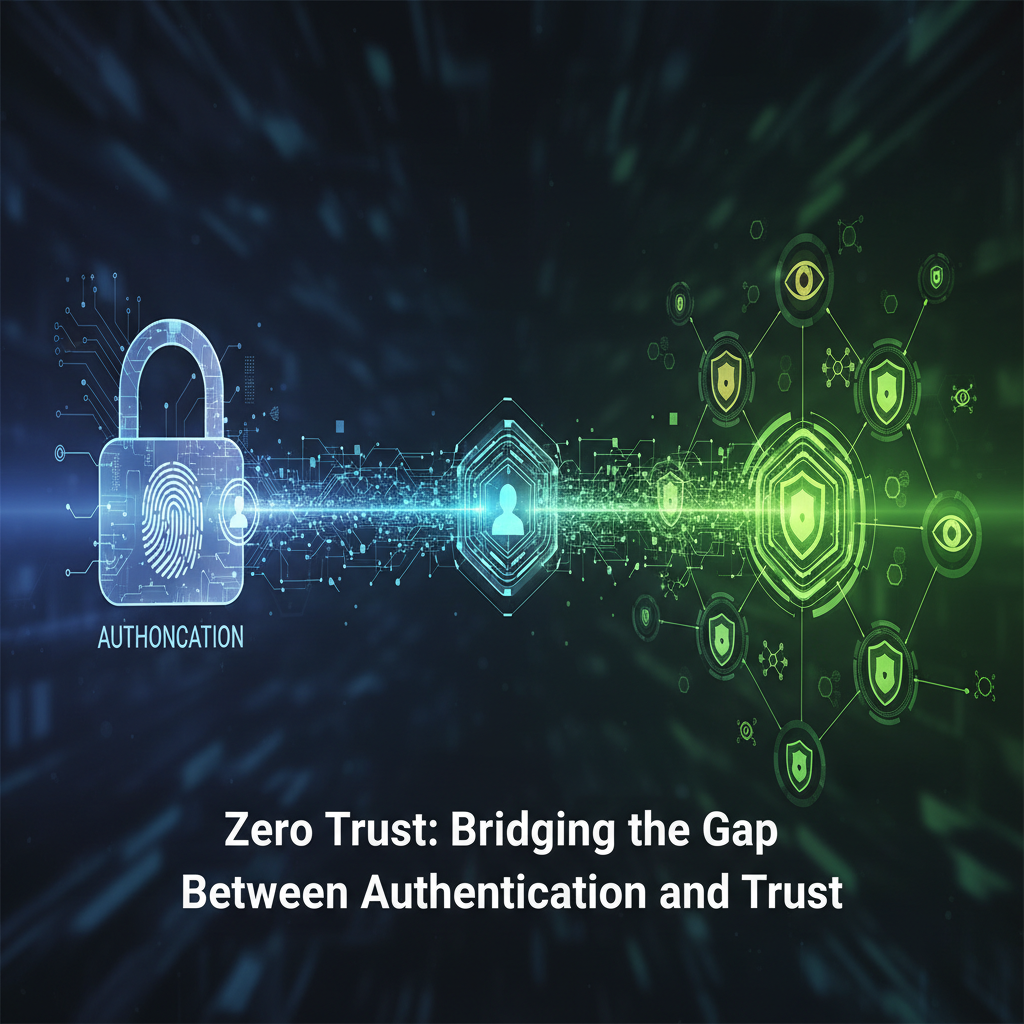
MFA alone isn't enough for true security. Modern Zero Trust requires verifying both user identity AND device health to prevent token hijacking and session attacks. Learn why checking what you're connecting with matters as much as who's connecting.
So you think passing multi-factor authentication means you're safe? Think again. It's like locking your front door but leaving a window wide open. Attackers have gotten really good at hijacking session tokens and sneaking past those identity checkpoints. That's why the conversation around Zero Trust is shifting.
It's not just about who you are anymore. It's about what you're using to connect.
### The MFA Blind Spot
MFA was a huge step forward, no doubt about it. But here's the thing attackers know: once you're past that gate, many systems just assume everything's fine. They stop checking. This creates a dangerous window where a stolen session token can give someone free rein.
Imagine this. You log in from your laptop at a coffee shop. You pass MFA. Great. But what if malware on that public computer captured your session? Now an attacker has your "keys" without needing your password or your phone. Scary, right?
That's why device health verification isn't just an extra step. It's becoming essential.
### What Does Device Health Really Mean?
When we talk about checking device health in a Zero Trust model, we're looking at several factors:
- Is the operating system up to date with security patches?
- Is there antivirus or endpoint protection running?
- Are there any known vulnerabilities or suspicious processes?
- Is the device encrypted?
- What's the network connection like?
It's not about being invasive. It's about understanding the risk profile of every single access attempt. A device with outdated software connecting from an unusual location raises different flags than your regular work laptop from home.
### The Zero Trust Mindset Shift
The old security model worked like a castle with a moat. Get past the walls, and you could roam freely. Zero Trust says: verify everything, all the time. Never assume safety.
As one security expert put it: "Trust is a vulnerability that needs to be eliminated from our systems."
That means every access request gets scrutinized. Every device gets checked. Every session gets monitored. It might sound exhausting, but modern systems handle this automatically in the background.
### Practical Steps Forward
So what can organizations actually do? Start with these basics:
- Implement continuous authentication that checks more than just the initial login
- Add device posture checking to your access policies
- Segment your network so access to sensitive data requires stricter checks
- Educate users about why these extra steps matter for everyone's security
It's not about making life harder for legitimate users. It's about making it impossible for attackers to move freely even if they get past one layer of defense.
### The Human Element
Here's where it gets interesting. All this technology only works if people understand why it's there. If users feel like security is just getting in their way, they'll find workarounds. And workarounds create vulnerabilities.
Explain that checking device health protects their accounts too. Make it about collective safety, not just corporate policy. When someone understands that these checks prevent attackers from using a compromised device to access their personal work files, they're more likely to cooperate.
### Looking Ahead
The landscape keeps changing. Attackers adapt. Our defenses need to adapt faster. Moving beyond simple authentication to comprehensive trust evaluation isn't just a nice-to-have anymore. For organizations handling sensitive data, it's becoming the standard.
Remember: security isn't a one-time check. It's an ongoing conversation between users, devices, and systems. And in that conversation, device health has become a critical voice.
Recommended tools for professionals exploring these concepts further include lightweight anti-detect solutions for quick testing setups and specialized browsers for managing multiple advertising or e-commerce accounts securely. The key is finding tools that balance security with usability for your specific needs.