OpenAI's new ChatGPT Lockdown Mode stops prompt injection attacks from leaking your data. Available on Free, Go, Plus, and Pro plans. Learn how it works and why it matters for security-conscious users.
OpenAI has started rolling out a new Lockdown Mode for ChatGPT, and it's a big deal for anyone worried about data security. This feature is designed to stop prompt injection attacks from sneaking out your sensitive info. Think of it as a safety lock on your chat sessions.
If you handle confidential data at work or just want tighter control over your conversations, this update matters. Lockdown Mode is available to logged-in users across Free, Go, Plus, and Pro plans. It's rolling out gradually, so you might not see it yet, but it's coming.
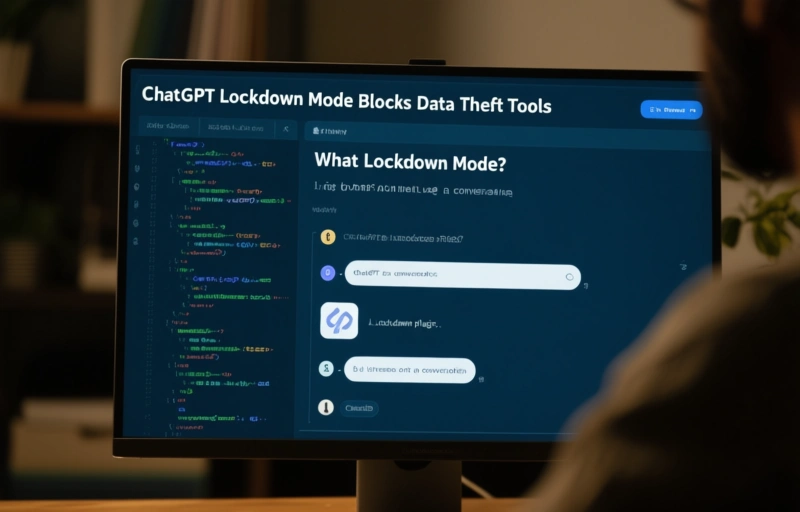
### What Exactly Is Lockdown Mode?
Lockdown Mode limits the tools that ChatGPT can use during a conversation. Normally, ChatGPT can browse the web, run code, or access plugins. But in Lockdown Mode, these capabilities are restricted. This prevents malicious prompts from tricking the AI into executing actions that could leak data.
For example, if someone tries to inject a prompt that tells ChatGPT to send your chat history to an external server, Lockdown Mode blocks that. It's like putting your data in a vault while you talk.
### Who Needs This Feature?
This is perfect for professionals in fields like finance, healthcare, or legal services. If you're sharing trade secrets, patient records, or case details, you can't afford a leak. Even if you're just a freelancer working with client data, Lockdown Mode adds peace of mind.
Small business owners should pay attention too. You might not think about prompt injection attacks, but they're real. Hackers can craft clever inputs to make AI spill the beans. Lockdown Mode stops that cold.
### How Does It Compare to Other Antidetect Browsers?
You might be wondering how this stacks up against antidetect browsers. Antidetect browsers like Multilogin or GoLogin focus on hiding your digital fingerprint. They mask your browser's identity to prevent tracking. ChatGPT's Lockdown Mode is different—it's about securing your data during AI interactions.
But here's the thing: if you're using ChatGPT alongside an antidetect browser, you get double protection. The browser hides who you are, and Lockdown Mode protects what you say. It's a smart combo for privacy-conscious users.
### Practical Tips for Using Lockdown Mode
- **Enable it for sensitive chats:** Turn on Lockdown Mode when discussing confidential info. It's easy to toggle in settings.
- **Check your plan:** It works on Free, Go, Plus, and Pro, but some advanced tools may be limited.
- **Combine with antidetect browsers:** For maximum security, use an antidetect browser to mask your identity while chatting.
- **Stay updated:** OpenAI might expand Lockdown Mode features. Keep an eye on updates.
### The Bottom Line
Lockdown Mode is a solid step toward safer AI use. It doesn't replace antidetect browsers, but it fills a crucial gap. If you value your data, start using it today. And if you're serious about privacy, pair it with a good antidetect browser for complete protection.
Remember, no tool is perfect. Always stay cautious about what you share online. But with Lockdown Mode, you're a lot safer from prompt injection attacks.