Critical Ninja Forms Flaw Exposes WordPress Sites to Hackers
Emily Davis ·
Listen to this article~4 min
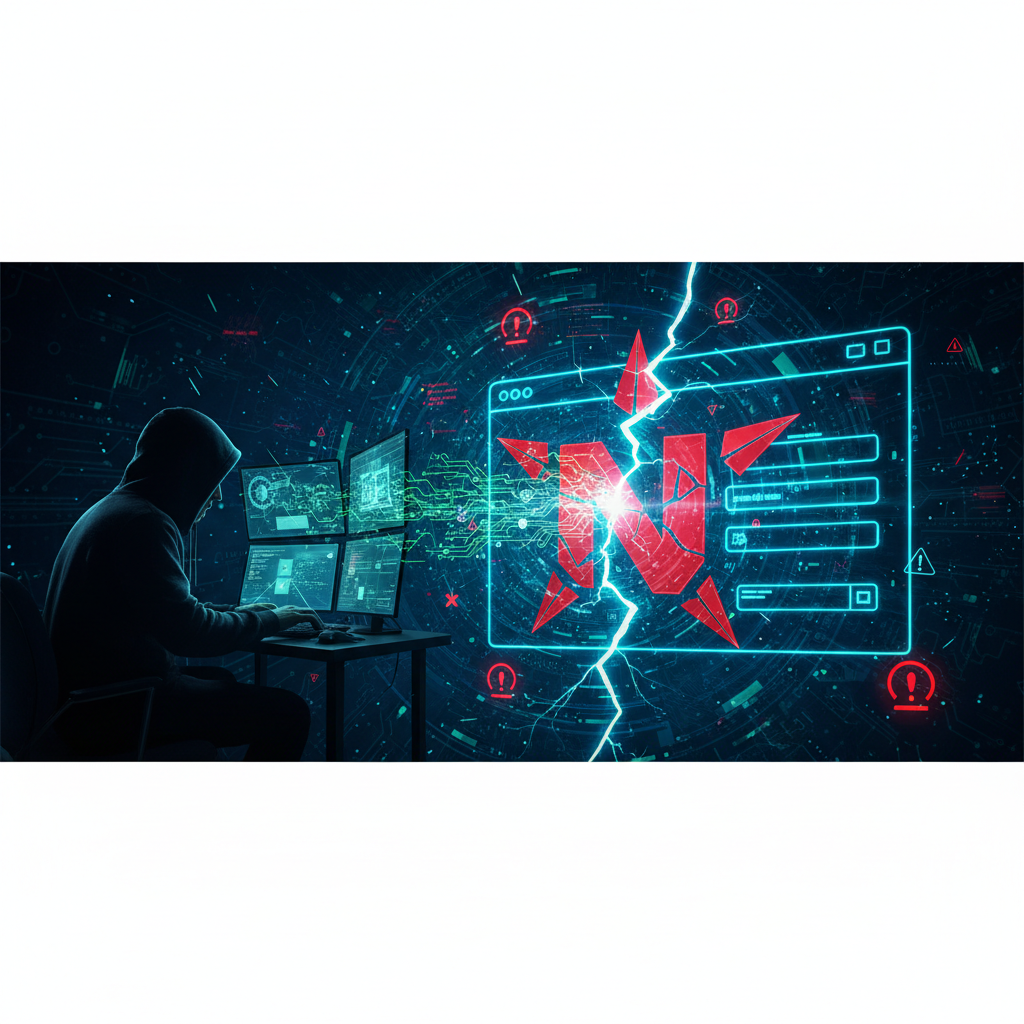
A critical vulnerability in Ninja Forms File Uploads allows unauthorized file uploads, leading to potential remote code execution and complete WordPress site compromise. Update immediately.
Hey there, WordPress users. Let's talk about something serious that's been making the rounds in security circles. A critical vulnerability in the Ninja Forms File Uploads premium add-on has been discovered, and it's the kind of flaw that keeps security professionals up at night.
Here's the deal in plain English: this bug allows anyone—and I mean anyone—to upload any file they want to your WordPress site without needing to log in first. No password, no credentials, nothing. They just need to know where to send it.
### What Exactly Is This Vulnerability?
Think of it like this. Your website's file upload feature is supposed to be a secure drop box where only authorized people can leave packages. This vulnerability removes the security guard, the lock, and the entire front door. Attackers can upload malicious scripts disguised as innocent files, like a fake image or document.
Once that malicious file is on your server, it's game over. The attacker can execute remote code, which is a fancy way of saying they can run whatever commands they want on your website. They could deface your pages, steal customer data, install backdoors, or even take complete control.
- The flaw exists in the premium File Uploads add-on for Ninja Forms
- It requires zero authentication—no login needed
- It affects WordPress sites using this specific plugin version
- Successful exploitation leads to full site compromise
### How Does This Lead to Remote Code Execution?
This is where things get technical, but I'll break it down. Remote code execution (RCE) means an attacker can run their own code on your server from anywhere in the world. With this Ninja Forms vulnerability, here's how the attack typically unfolds:
First, the attacker finds a WordPress site using the vulnerable plugin. They don't need special tools—basic scanning software can identify targets. Then they craft a malicious PHP file (or other executable script) and upload it through the compromised form.
Once uploaded, they simply navigate to the file's location in their browser. Your server executes the malicious code, giving the attacker the same level of access as your website's filesystem. From there, they can install malware, create admin accounts, or establish persistent access.
> "File upload vulnerabilities are among the most dangerous because they often provide direct access to the server. This Ninja Forms flaw is particularly severe due to the complete lack of authentication requirements."
### What Should You Do Right Now?
If you're using Ninja Forms with the File Uploads add-on, stop everything and check your version. The vulnerable versions are specific, but I won't list them here since that could help attackers. Instead, log into your WordPress dashboard and update every single plugin—especially Ninja Forms and all its add-ons.
Make sure you're running the latest version. The developers have released patches, but they only work if you actually install them. While you're at it, review your file upload directories. Look for any suspicious files that shouldn't be there, particularly PHP files in upload folders.
Consider implementing additional security measures too. Web application firewalls can help block exploitation attempts, and regular security scans can catch issues before they become disasters. Back up your site before making any major changes—always have a recovery plan.
### The Bigger Picture for Website Security
This incident reminds us that premium doesn't always mean secure. Even paid plugins from reputable developers can contain critical flaws. The WordPress ecosystem is massive, with thousands of plugins maintained by teams of varying sizes and security expertise.
Your security strategy needs to assume vulnerabilities exist. Regular updates are non-negotiable. Security monitoring should be continuous. And you should always have recent backups stored separately from your hosting account.
Remember, most attacks aren't personal. Hackers use automated tools to scan for vulnerable sites. If you're running outdated software, you're essentially putting a 'hack me' sign on your digital front door. Stay updated, stay vigilant, and don't let convenience compromise your security.