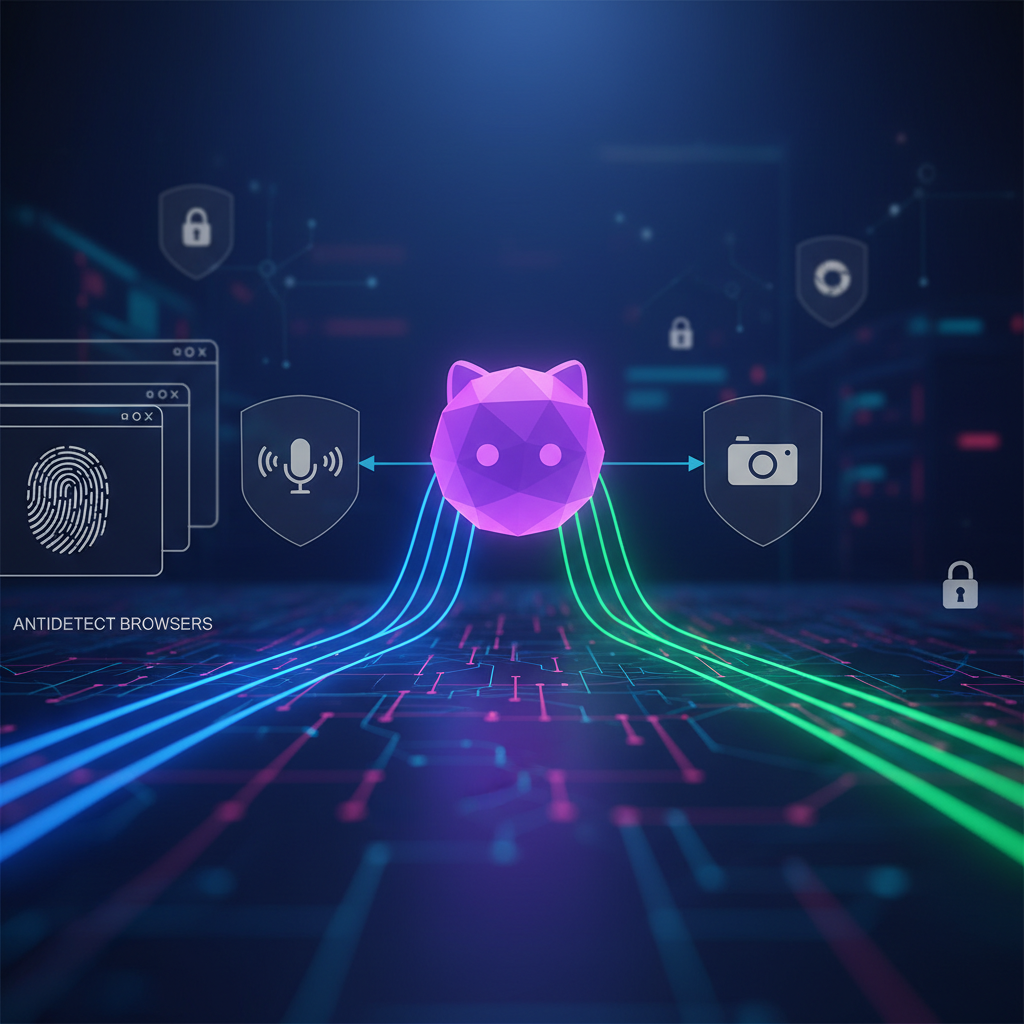
Discord End-to-End Encryption: What It Means for Voice and Video
Michael Miller ·
Listen to this article~4 min
Discord now encrypts all voice and video calls end-to-end by default. Learn what this means for privacy-focused users, especially those managing multiple accounts with antidetect browsers.
Discord just made a big move for privacy. They announced that all voice and video calls on the platform are now protected by end-to-end encryption (E2EE) by default. That means no one—not even Discord—can listen in on your conversations. Let’s break down what this actually means for you, especially if you’re juggling multiple accounts or working with sensitive data.
### Why This Matters for Antidetect Browser Users
If you’re using antidetect browsers to manage multiple profiles, you know how critical privacy is. Every layer of encryption adds a safety net. With E2EE on Discord, your voice and video chats are locked from end to end. This is huge for anyone coordinating teams or clients across different accounts.
- **No third-party access**: Only the participants in the call can decrypt the audio or video.
- **Default protection**: You don’t have to toggle any settings. It’s on by default.
- **Cross-platform**: Works on desktop and mobile apps.
### How End-to-End Encryption Works
E2EE uses cryptographic keys that are generated on your device. When you start a call, your device creates a unique key. That key is shared only with the other participants’ devices. Even if someone intercepts the data stream, they can’t decode it without the key. Discord can’t access it either.
This is different from encryption in transit, where data might be decrypted on a server before reaching the recipient. With E2EE, the data stays scrambled until it hits the intended device. Think of it like sending a locked box where only the receiver has the key.
### What This Means for Professionals
For people using antidetect browsers, Discord is often a hub for managing communities, running campaigns, or coordinating remote teams. E2EE adds a layer of trust. You can discuss sensitive strategies without worrying about leaks.
- **Client calls**: Discuss account setups or campaign details securely.
- **Team coordination**: Share updates without fear of interception.
- **Privacy compliance**: Helps meet data protection standards like GDPR or CCPA.
### Limitations to Keep in Mind
No system is perfect. While E2EE protects the call itself, it doesn’t cover everything. Screenshots or recordings made by participants are still possible. Also, text messages in Discord aren’t encrypted this way yet. Only voice and video calls get the E2EE treatment for now.
> "End-to-end encryption is a significant step forward, but it’s not a silver bullet. Always pair it with good operational security practices." – Michael Miller
### Practical Steps for Antidetect Browser Users
If you’re serious about privacy, here’s how to maximize Discord’s new feature:
1. **Update your app**: Make sure you’re running the latest version to get E2EE.
2. **Use unique accounts**: Pair each Discord account with a separate antidetect browser profile.
3. **Avoid public Wi-Fi**: Even with E2EE, public networks can expose metadata.
4. **Enable two-factor authentication**: Adds an extra layer to your account security.
### The Bigger Picture
Discord’s move signals a shift in how communication platforms handle privacy. For antidetect browser users, this is a win. It aligns with the growing demand for tools that protect identity and data. As more platforms adopt E2EE, the landscape for multi-account management gets safer.
Bottom line? You can now use Discord for voice and video with more confidence. Just remember that privacy is a chain—every link matters. Encryption is one strong link, but your habits and tools (like antidetect browsers) complete the picture.
A deeper breakdown of GoLogin Review 2026 — Fast, affordable anti-detect browser with cloud profiles - real examples, numbers, and what actually works.
A deeper breakdown of Undetectable.io Review 2026 — Unlimited local profiles with solid fingerprint masking - real examples, numbers, and what actually works.