Fake OpenAI Repository on Hugging Face Spreads Malware
Emily Davis ·
Listen to this article~4 min
A fake OpenAI repository on Hugging Face reached trending status, hiding info-stealing malware for Windows users. Learn how this attack works and how to protect your antidetect browser setup.
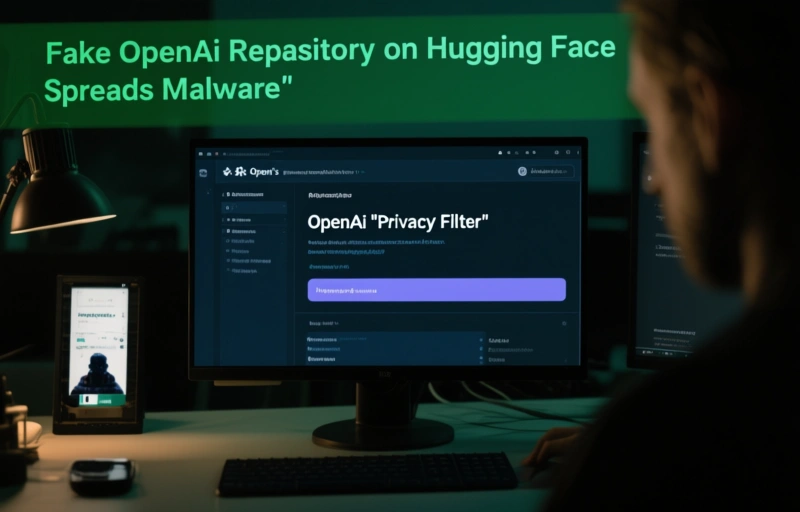
You might think a trending repository on a platform like Hugging Face is safe, right? Not always. Recently, a fake project pretending to be from OpenAI made it to the trending list, and it was hiding a nasty surprise: info-stealing malware aimed at Windows users.
### The Bait: An OpenAI "Privacy Filter"
The attackers created a repository that looked like it was part of OpenAI's official work, specifically a "Privacy Filter" project. It sounded legit and useful, which is why it gained traction quickly. But instead of helping you protect your data, it was designed to steal it.
### How the Attack Works
Once you download and run the malicious files from this repository, the malware kicks in. It's not just any malware—it's an infostealer. That means it hunts for sensitive information on your computer, like:
- Saved passwords from browsers
- Session cookies and login tokens
- Cryptocurrency wallet details
- Personal files and documents
This type of attack is especially dangerous because it can compromise multiple accounts in one go. And since it came from a source that looked trustworthy, many users let their guard down.
### Why This Matters for Antidetect Browser Users
If you're using an antidetect browser to manage multiple profiles or protect your digital identity, you know how critical it is to keep your environment clean. A single piece of malware like this can fingerprint your system, steal your cookies, and expose all your profiles. That defeats the purpose of using an antidetect browser in the first place.
> "The best antidetect browser is only as good as the security habits of its user. One wrong download can undo all your privacy efforts."
### How to Protect Yourself
Staying safe isn't complicated, but it does require some caution. Here are a few steps you can take right now:
- Always verify the source. Check the repository owner's history and official links before downloading anything.
- Use a dedicated machine or virtual environment for testing new tools.
- Keep your antidetect browser updated to the latest version.
- Run regular scans with reputable antivirus software.
- Never run scripts or executables from untrusted sources, even if they look official.
### The Bigger Picture
This incident is a reminder that even trusted platforms can be exploited. Cybercriminals are getting smarter, and they know how to game algorithms to make their malicious content look popular. The best defense is a healthy dose of skepticism.
For professionals who rely on antidetect browsers for privacy and security, this is a wake-up call. You need to be vigilant not just about your browser settings, but about every piece of software you introduce into your workflow.
### Final Thoughts
Don't let a trending list fool you. Malware can hide anywhere, even in places you'd expect to be safe. Stick to verified sources, keep your tools clean, and always think twice before clicking "download." Your digital identity—and your peace of mind—depend on it.