GitHub Malware Alert: Fake VS Code Warnings Target Developers
Emily Davis ·
Listen to this article~5 min
Developers are being targeted by a sophisticated malware campaign on GitHub. Attackers post fake Visual Studio Code security alerts in project discussions to trick users into downloading malicious software.
Hey there. Let's talk about something that's been keeping me up at night—and if you're a developer who spends time on GitHub, it should probably concern you too. A massive, coordinated attack is happening right now on one of our most trusted platforms. It's targeting developers just like you and me, using something we all rely on: Visual Studio Code security alerts.
Except these alerts aren't real.
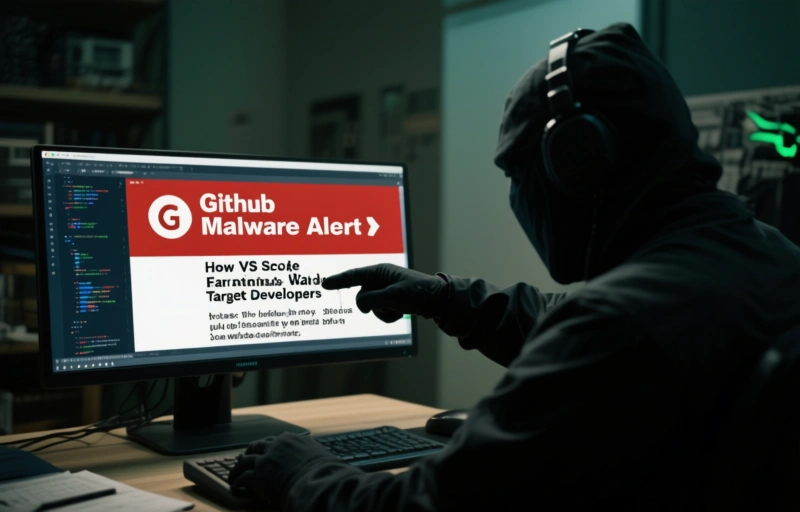
They're clever fakes, posted in the Discussions sections of legitimate GitHub projects, designed to look urgent and official. The goal? To trick you into downloading malware that could compromise your entire system, your projects, and potentially your clients' data. It's a sobering reminder that even in spaces we consider safe, we need to stay vigilant.
### How This Attack Actually Works
Here's the play-by-play, because understanding the mechanics helps you spot the danger. Attackers are infiltrating popular GitHub repositories—the ones with thousands of stars and active communities. They're not hacking the code itself. Instead, they're posting in the Discussions tab, which often has less moderation than issues or pull requests.
The posts look incredibly convincing. They use official-sounding language about critical VS Code security updates or urgent patches. They might mention a specific CVE number or warn about a vulnerability that could affect your extensions. The call-to-action is always the same: download this "patch" or "security tool" from a linked site to protect yourself.
That download is, of course, the payload. Once executed, it can do anything from installing keyloggers and ransomware to creating backdoors into your development environment. The scariest part? It's preying on our best instincts—the desire to keep our tools secure and up-to-date.
### Red Flags You Should Never Ignore
So, how do you protect yourself? It comes down to developing a healthy skepticism. Here are the immediate red flags that should make you pause and verify:
- **Unofficial Channels:** VS Code security alerts will never come first from a random GitHub discussion. Microsoft announces them through official blogs, release notes, and the software's built-in update mechanism.
- **Pressure Tactics:** The language is often urgent and fear-based. "Update immediately or risk compromise!" Legitimate security notices are clear and factual, not panicked.
- **External Links to Downloads:** Be deeply suspicious of any post directing you to download a `.exe`, `.dmg`, or script from a third-party site, especially if it's a shortened URL or an unfamiliar domain.
- **Poor Grammar or Odd Phrasing:** While attackers are getting better, many malicious posts still contain slight grammatical errors or awkward phrasing that wouldn't appear in an official Microsoft communication.
I remember a colleague once said, 'In security, trust is a vulnerability you manage.' It sounds cynical, but in this context, it's just practical. Verify, then verify again.
### What To Do If You See a Suspicious Post
Your actions matter, not just for you, but for the entire community. If you encounter one of these fake alerts:
1. **Do NOT click any links or download anything.**
2. **Report the discussion post immediately** to the repository maintainers using GitHub's reporting feature.
3. **Consider leaving a polite comment** warning others that the post appears to be a scam, pointing to the official VS Code security page for information.
4. **Spread the word.** Tell your team, your coding buddies, or your online communities. Awareness is our first and best defense.
This isn't about spreading fear. It's about reinforcing good habits. We all get comfortable. We see a familiar logo, a project we trust, and we let our guard down for a second. That's all it takes.
### Building a More Secure Workflow
Beyond spotting this specific threat, let's talk about hardening your daily routine. Make it a habit to only update your core development tools—like VS Code, Node, Python, or Docker—directly from their official sources or through verified package managers. Enable automatic security updates where possible. Use a standard user account for daily work, not an administrator account, to limit the damage any malware can do.
Think of it like locking your front door. You do it every day without thinking, because it's a simple step that prevents a world of trouble. Applying that same mindset to your digital workspace is just as critical.
This campaign on GitHub is a wake-up call. It shows that attackers are specifically targeting the tools and communities that drive innovation. By staying informed, questioning unusual alerts, and practicing basic security hygiene, we can keep our focus where it belongs: on building amazing things, safely.