GlassWorm Malware Evolves: Steals Data Via Fake Chrome Extension
Emily Davis ·
Listen to this article~4 min
Cybersecurity experts warn of an evolved GlassWorm malware campaign using a fake Chrome extension to deliver a RAT and steal keystrokes, cookies, screenshots, and crypto data via Solana dead drops.
Cybersecurity researchers have just sounded the alarm about something pretty unsettling. The GlassWorm malware campaign has evolved, and it's now more dangerous than ever. It's not just a simple virus anymore. It's a sophisticated, multi-stage attack framework designed to steal everything from your browser data to your cryptocurrency.
Think of it like a digital burglar who doesn't just pick your lock. They copy your keys, watch you through the windows, and then move right in. This new version delivers a remote access trojan (RAT) that gives attackers complete control. And the delivery method? A sneaky Google Chrome extension pretending to be an offline version of Google Docs.
### How This New Attack Actually Works
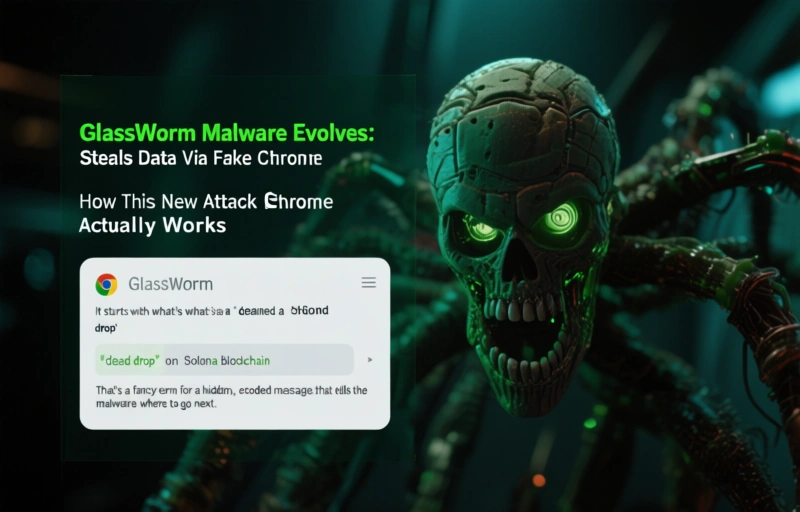
It starts with what's called a 'dead drop' on the Solana blockchain. That's a fancy term for a hidden, encoded message that tells the malware where to go next. Once it's on your system, the real damage begins. The fake Chrome extension is the workhorse here. It looks legitimate, which is why it's so effective.
Once installed, it gets to work silently in the background. Here's what it does:
- It logs every single keystroke you make. Passwords, credit card numbers, private messages—nothing is safe.
- It dumps your browser cookies and session tokens. This means an attacker can literally log into your accounts as if they were you, even without your password.
- It captures screenshots of your activity, giving them a visual record of what you're doing.
It's a complete invasion of your digital privacy, all happening without you ever knowing.
### Why This Threat Is Different and More Dangerous
You might be thinking, "Malware isn't new." You're right. But this GlassWorm evolution represents a shift. It's not just about stealing a file or two. It's about persistent, comprehensive surveillance and theft. The combination of a RAT and a data-stealing extension creates a perfect storm.
The RAT allows attackers to maintain access, install more malware, or use your computer for other attacks. Meanwhile, the extension is vacuuming up your most sensitive data continuously. For professionals who handle sensitive client information, financial data, or crypto wallets, the implications are severe.
As one researcher put it, "This isn't a smash-and-grab. It's a long-term tenant moving into your digital house and going through every drawer."
### What You Can Do to Protect Yourself Right Now
Feeling a bit uneasy? Good. That means you're paying attention. The first line of defense is always awareness. Be incredibly skeptical of browser extensions, especially those claiming to be productivity tools or offline versions of popular services. Always download directly from the official Chrome Web Store, and even then, check reviews and developer details.
Keep your software updated. Those security patches exist for a reason. Use strong, unique passwords and enable two-factor authentication everywhere you can. For an extra layer of protection, consider the security principles behind specialized privacy tools. The core idea is isolation—keeping different identities and activities separate so a breach in one area doesn't compromise everything.
Ultimately, this new GlassWorm campaign is a reminder. The digital threats we face are constantly adapting. They're getting smarter, more targeted, and more brazen. Staying safe isn't about one magic trick. It's about building consistent, thoughtful habits around your online behavior. Don't let convenience override caution. Your data is worth the extra few seconds it takes to verify what you're clicking on.