A new cryptojacking campaign uses SEO poisoning and AI chatbot manipulation to spread GPU mining malware, targeting high-performance computers. Learn how to spot the signs and protect your system.
You might think your high-performance computer is safe behind a good antivirus, but a new cryptojacking campaign proves otherwise. Threat actors are now using a coordinated SEO poisoning operation to trick users into downloading GPU mining malware, and they've even manipulated AI chatbot recommendations to spread it further. This isn't just a simple hack—it's a sophisticated attack that targets anyone searching for popular software or tools online.
### How the Attack Works
The attackers start by poisoning search engine results. They create fake websites that look legitimate, often mimicking download pages for well-known apps like video editors, games, or system utilities. When you search for these tools, their malicious sites appear high in the results thanks to SEO tricks. Once you click and download what you think is a safe file, you're actually installing malware that hijacks your GPU for cryptocurrency mining. The real kicker? They've also fed false information to AI chatbots, so even asking a bot for recommendations can lead you to these dangerous downloads.

### Why Your GPU Is the Target
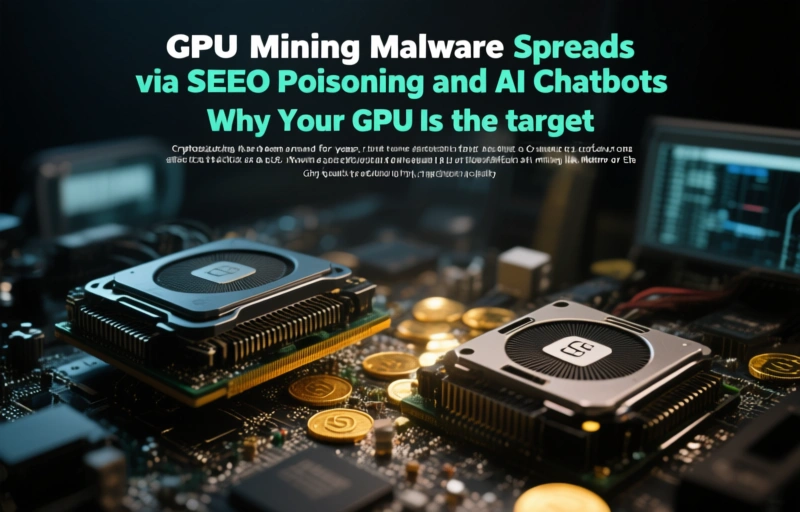
Cryptojacking has been around for years, but it used to focus on CPUs. Now, attackers prefer GPUs because they're far more efficient at mining coins like Monero or Ethereum. If you have a powerful graphics card—think NVIDIA RTX series or AMD Radeon—you're a prime target. The malware runs silently in the background, using your hardware's power to generate crypto for the attackers. This slows down your system, increases electricity bills, and can even damage your GPU over time from constant, intense use.
### Signs You Might Be Infected
- Your computer runs slower than usual, especially during gaming or video editing.
- The fan on your GPU spins loudly even when you're not doing heavy tasks.
- Your electricity bill spikes without a clear reason.
- You notice unusual network activity, like your PC sending data to unknown servers.
These symptoms can be easy to miss, but if you see them, it's worth running a security scan. Many traditional antivirus programs still struggle to detect cryptojacking malware because it's designed to look like a normal process.
### How to Protect Yourself
> "The best defense is a skeptical mind. If a download seems too good to be true, it probably is." — Michael Miller
Start by sticking to official sources. Always download software from the developer's official website or trusted app stores, not from random search results. Use a browser extension that blocks known malicious sites, and keep your operating system and security software updated. For extra safety, consider using a dedicated antidetect browser that isolates your online activities and prevents tracking. These browsers can help you spot phishing attempts and avoid fake sites that appear in poisoned search results.
### What to Do If You're Infected
If you suspect your system has been compromised, disconnect from the internet immediately to stop the malware from communicating with its command server. Then, run a full system scan with a reputable security tool. You might need to use a specialized miner removal tool, as standard antivirus software sometimes misses these threats. After cleaning your system, change all your passwords and enable two-factor authentication on your accounts. The malware could have stolen login credentials without you knowing.
### The Bigger Picture
This campaign shows how attackers are getting smarter. By combining SEO poisoning with AI manipulation, they're reaching more victims than ever before. It's a reminder that online threats are constantly evolving, and staying safe means staying informed. Don't trust every search result or chatbot answer blindly. A little caution goes a long way in protecting your hardware and your data.