How Antidetect Browsers Stop Multi-Account Bans in 2026
Emily Davis ·
Listen to this article~5 min
Learn how antidetect browsers create unique digital fingerprints to prevent multi-account suspensions. Expert analysis on the technology and what to expect in 2026.
Let's be honest. Managing multiple accounts online is a constant headache. You're trying to run a business, manage social media profiles, or maybe handle affiliate marketing. Then, out of nowhere, you get hit with a suspension. All your hard work, gone in an instant. It's frustrating, right?
That's where antidetect browsers come in. They're not just another piece of software. Think of them as a digital disguise for your online activity. They help you create and manage separate, unique browser fingerprints for each account you operate.
So, how do these platforms actually prevent those dreaded multi-account suspensions? Let's break it down.
### The Core Problem: Browser Fingerprinting
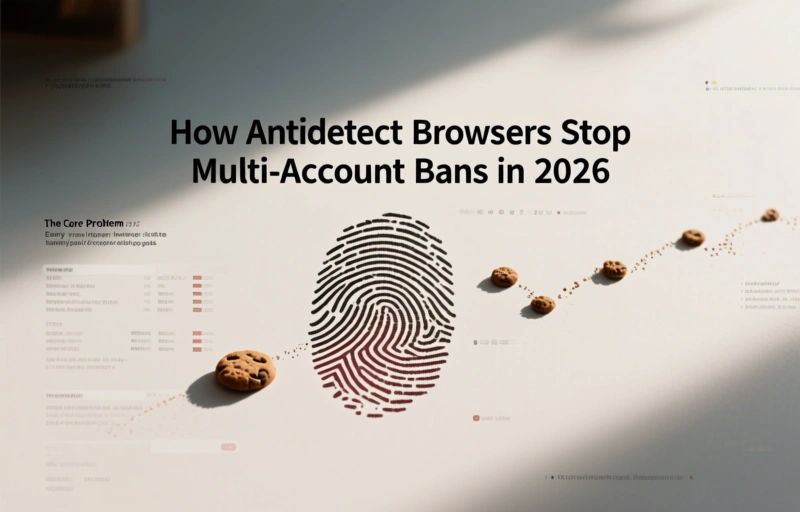
Every time you go online, your browser leaves a trail. It's not just cookies. Websites collect hundreds of data points to create a unique "fingerprint" of your device. This includes your screen resolution, installed fonts, timezone, language settings, and even your graphics card details.
When you log into multiple accounts from the same browser, all those accounts share the same fingerprint. Platforms like Facebook, Google, or Amazon can easily connect the dots. They see one user pretending to be many, and that's a red flag. That's when the ban hammer comes down.
An antidetect browser solves this by creating a completely isolated environment for each profile. Each one gets its own unique, realistic fingerprint that mimics a real, individual user.
### How They Build the Illusion
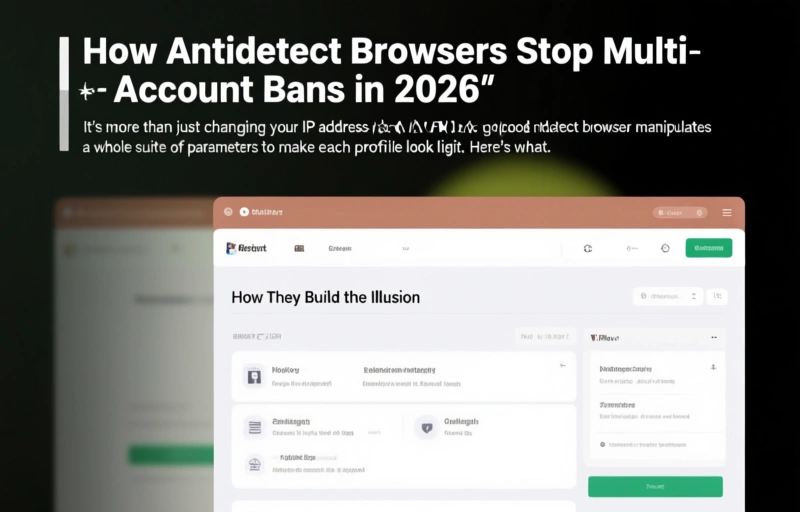
It's more than just changing your IP address with a VPN. A good antidetect browser manipulates a whole suite of parameters to make each profile look legit. Here's what they typically handle:
- **Canvas Fingerprinting:** They generate unique, but believable, graphical renderings.
- **WebRTC Leak Prevention:** They stop your real IP from leaking during voice/video calls.
- **Timezone & Geolocation:** They sync these with your proxy location perfectly.
- **Font & Plugin Lists:** They create varied, common sets of installed fonts and plugins.
- **Hardware Concurrency:** They spoof the number of CPU cores your "device" has.
By carefully randomizing and managing these elements, the browser makes each profile appear as a distinct person on a distinct device, even if you're running ten of them from your one laptop.
### Looking Ahead to 2026
The cat-and-mouse game is always evolving. As detection algorithms get smarter in 2026, antidetect browsers will need to be even more sophisticated. We're already seeing a shift towards AI-driven fingerprint generation that can adapt in real-time and mimic human-like behavioral patterns, not just static settings.
The goal is no longer just to be different, but to be authentically random and human. Future solutions will likely focus on simulating natural mouse movements, typing rhythms, and even browsing habits to pass the most advanced behavioral biometric checks.
As one industry insider recently noted, "The future isn't about hiding, it's about blending in perfectly."
### Choosing the Right Tool for the Job
Not all antidetect browsers are created equal. When you're evaluating options, look for a few key features. Reliable proxy integration is non-negotiable—your IP must match your fingerprint's supposed location. You'll also want robust team collaboration tools if you're working with others, and a clean, intuitive interface that doesn't slow you down.
Most importantly, the software should receive frequent updates. The digital landscape changes fast, and a browser that's static will be detected quickly. Regular updates mean the development team is actively fighting new detection methods.
It's a powerful tool, but remember, it's just a tool. Use it responsibly and within the terms of service of the platforms you're engaging with. The right approach can save you countless hours of frustration and protect your valuable online assets from unexpected suspensions.
In the end, it's about giving you control and stability in an online world that's designed to limit both.