Microsoft Fixes KB5089549 Windows 11 Update Errors
Robert Moore ·
Listen to this article~4 min
Microsoft has resolved the 0x800f0922 error that blocked the May 2026 Windows 11 security update (KB5089549). Learn how to get the fix and keep your system secure.
Microsoft has finally fixed a frustrating bug that prevented many Windows 11 users from installing the May 2026 security update (KB5089549). If you've been seeing the dreaded 0x800f0922 error, you're not alone—and now there's a solution.
This update was causing headaches for IT pros and regular folks alike. The error popped up during installation, making the whole process grind to a halt. But Microsoft's latest patch should get things moving again.
### What Was the Problem?
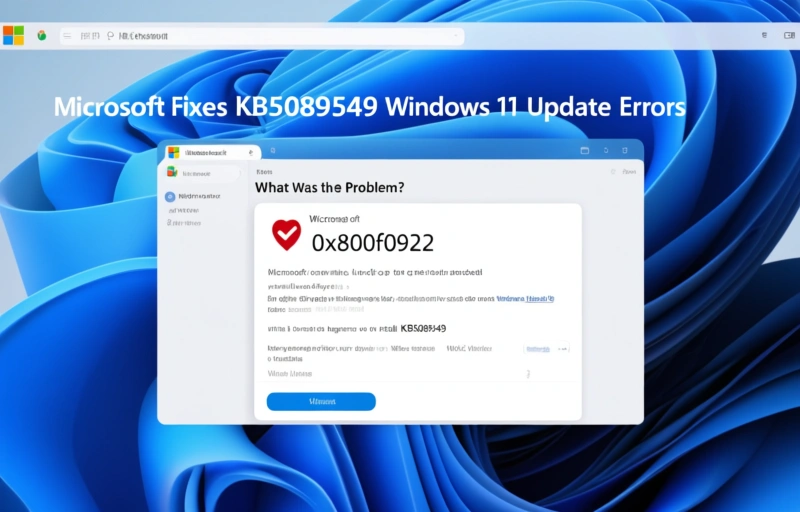
The 0x800f0922 error typically appeared when users tried to install KB5089549 through Windows Update. It often happened on systems with certain drivers or software conflicts. In some cases, the update would download fine but fail during the install phase, leaving your PC in a weird limbo state.
Microsoft's engineers traced the issue to a compatibility glitch with specific hardware configurations. If you've got older peripherals or custom drivers, you might have been hit especially hard.
### How to Get the Fix
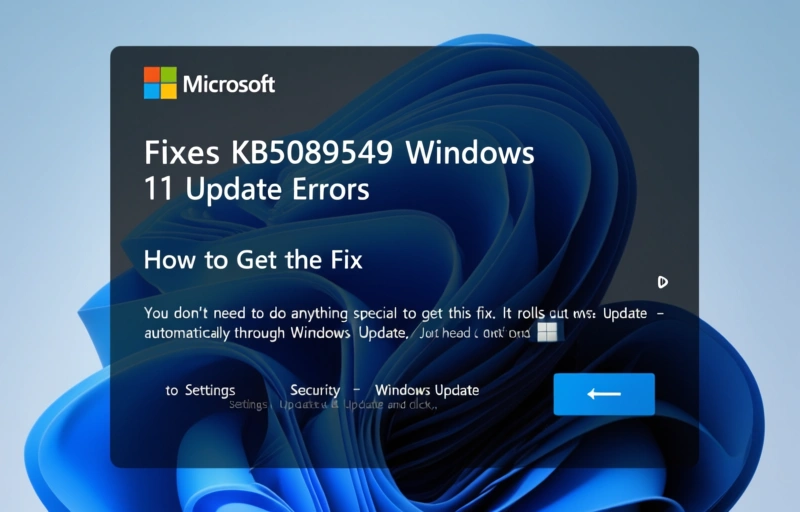
You don't need to do anything special to get this fix. It rolls out automatically through Windows Update. Just head to Settings > Update & Security > Windows Update and click "Check for updates." The update should show up and install without the 0x800f0922 error.
If you're still seeing issues after applying the fix, here are a few things to try:
- Restart your PC and try again. Sometimes a simple reboot clears up temporary glitches.
- Run the Windows Update troubleshooter. It's built into Windows and can fix common problems.
- Temporarily disable third-party antivirus software. Some security tools interfere with updates.
- Check your disk space. KB5089549 needs at least 4 GB free on your system drive.
### Why This Matters for Security
This update isn't just about fixing errors. It patches critical security vulnerabilities that could leave your system open to attacks. Skipping it means you're running an unpatched version of Windows 11, which is risky business.
Cybercriminals love unpatched systems. They scan for known vulnerabilities and exploit them quickly. So getting this update installed is a big deal for keeping your data safe.
### What If You Still Have Problems?
If the automatic fix doesn't work, Microsoft suggests manually downloading the update from the Microsoft Update Catalog. Just search for KB5089549, download the right version for your system (x64 or ARM64), and install it manually.
That's a bit more work, but it often works when Windows Update fails. Make sure you back up your important files first—just in case.
### Final Thoughts
Microsoft's quick response to this issue is good to see. The 0x800f0922 error was a real pain, but now it's largely sorted out. If you've been putting off this update, now's the time to jump in.
Keep your system updated, and you'll stay ahead of most security threats. And if something goes wrong, you know there's usually a fix just around the corner.
A deeper breakdown of GoLogin Review 2026 — Fast, affordable anti-detect browser with cloud profiles - real examples, numbers, and what actually works.
A deeper breakdown of Undetectable.io Review 2026 — Unlimited local profiles with solid fingerprint masking - real examples, numbers, and what actually works.