RoxyBrowser offers a next-gen antidetect solution for managing multiple accounts securely. Learn how it works, its key features, and why professionals are switching to this browser.
Managing multiple online accounts is a challenge for many professionals. Whether you run a marketing agency, manage affiliate campaigns, or just want to keep your personal and work lives separate, the need for a secure, efficient solution is real. That's where antidetect browsers come in.
RoxyBrowser has been making waves in this space. It promises a next-gen approach to multi-account management. But does it live up to the hype? Let's break down what makes it stand out and why you might want to give it a try.
### What is an Antidetect Browser?
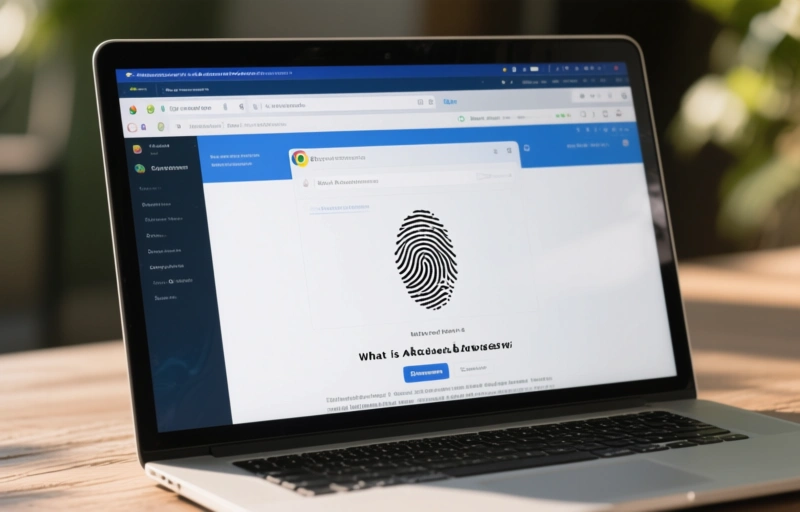
Think of a regular web browser like Chrome or Firefox. It leaves a digital fingerprint everywhere you go. This fingerprint includes your operating system, screen resolution, installed fonts, and even your time zone. Websites use this data to identify you, even if you clear your cookies.
An antidetect browser changes the game. It lets you create multiple, completely isolated browser profiles. Each profile looks like a different computer to the outside world. You can assign a unique fingerprint to each one. This means you can log into multiple accounts on the same site without getting flagged or banned.
### Why RoxyBrowser Stands Out
RoxyBrowser isn't just another antidetect tool. It focuses on a few key areas that matter most to professionals.
- **Team Collaboration:** You can share profiles with your team without sharing passwords. Everyone gets their own access level.
- **Profile Synchronization:** Changes you make to a profile sync across all devices instantly. This is huge for teams working remotely.
- **Automation Ready:** It works well with automation tools like Selenium and Puppeteer. This lets you automate repetitive tasks without breaking a sweat.
### Setting Up Your First Profile
Getting started with RoxyBrowser is straightforward. Here's a quick walkthrough.
1. Download and install the browser from the official website.
2. Create a new profile. You'll choose a name and a proxy.
3. Select your fingerprint settings. You can go with a preset or customize everything.
4. Launch the profile. It opens in a new window with its own identity.
That's it. You can now log into any website with that profile. The site will see a completely different user than your other profiles.
### Real-World Use Cases
Who benefits most from this kind of setup? Here are a few examples.
- **E-commerce Sellers:** Manage multiple storefronts on Amazon, eBay, or Etsy without linking accounts.
- **Affiliate Marketers:** Test and run campaigns across different networks without cross-contamination.
- **Ad Verification:** Check how your ads appear in different regions and devices without traveling.
- **Social Media Managers:** Handle dozens of client accounts from one machine without getting banned.
### The Bottom Line
RoxyBrowser offers a solid solution for anyone tired of juggling multiple accounts. Its focus on team features and automation makes it a strong contender in the antidetect browser market. If you're looking for a reliable way to scale your online operations, it's worth a closer look.
> "The best tool is the one that gets out of your way and lets you focus on your work." - Unknown
Give it a try. You might find it's exactly what you've been missing.
A deeper breakdown of GoLogin Review 2026 — Fast, affordable anti-detect browser with cloud profiles - real examples, numbers, and what actually works.
A deeper breakdown of Undetectable.io Review 2026 — Unlimited local profiles with solid fingerprint masking - real examples, numbers, and what actually works.