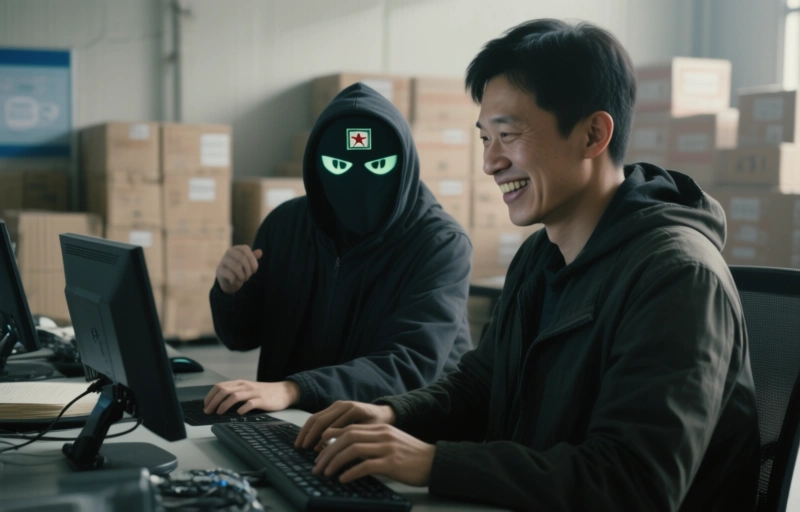
Microsoft linked a Mastra AI supply chain attack that compromised over 140 npm packages to North Korean hackers Sapphire Sleet. Learn how this affects antidetect browser users and how to stay safe.
You might think supply chain attacks only happen to huge corporations, but Mastra AI just learned that lesson the hard way. Microsoft recently revealed that the North Korean hacking group Sapphire Sleet—also known as BlueNoroff—compromised over 140 npm packages in a supply chain attack targeting Mastra AI. That's a big deal for anyone who uses those packages, especially if you're in the antidetect browser space where security is everything.
### What Actually Happened?
The attack worked like this: the hackers injected malicious code into legitimate npm packages that developers rely on. Once those packages were installed, the malware could steal credentials, exfiltrate data, or even open backdoors into systems. For antidetect browser users, this is a nightmare scenario because many of you build tools or run scripts that depend on npm packages for automation, fingerprinting, or proxy management.
**Key details you need to know:**
- Over 140 npm packages were compromised in the attack.
- The group behind it, Sapphire Sleet, is a known North Korean cyber unit.
- Microsoft's threat intelligence team tracked and attributed the attack.
- The malicious packages were designed to look legitimate, making them hard to spot.
> "This isn't just about Mastra AI—it's a warning for everyone who relies on open-source code."

### Why Should Antidetect Browser Users Care?
If you're using antidetect browsers to manage multiple accounts or protect your digital privacy, you probably use tools that pull from npm. Think about it: browser extensions, automation scripts, even some antidetect browser features themselves can depend on third-party packages. A supply chain attack like this means the very tools you trust could be compromised.
Here's what makes it especially dangerous for antidetect browser professionals:
- **Credential theft:** The malware could steal login details for your accounts.
- **Data exfiltration:** Sensitive information like browser fingerprints or proxy settings could be leaked.
- **Backdoor access:** Hackers might gain remote control over your system.
### How to Protect Yourself
You don't have to panic, but you should take action. Here's a practical checklist:
1. **Audit your dependencies:** Check all npm packages you've installed recently, especially if they're from Mastra AI or related projects.
2. **Update everything:** Make sure you're using the latest versions of packages, as fixes are likely being rolled out.
3. **Use a sandbox:** Run suspicious code in isolated environments to minimize risk.
4. **Monitor for anomalies:** Watch for unusual network traffic or unexpected system behavior.
### The Bigger Picture
This attack is part of a broader trend. North Korean hackers have been increasingly targeting software supply chains because it gives them a massive return on investment. By compromising one package, they can infect thousands of users downstream. For antidetect browser specialists like you, this means staying vigilant isn't optional—it's part of the job.
Microsoft's attribution is a step forward, but it doesn't fix the problem overnight. You need to take proactive steps to secure your own environment. Think of it like locking your doors even after a neighbor gets robbed—it's not paranoia, it's common sense.
### Final Thoughts
Supply chain attacks are scary because they exploit trust. But you can fight back by being careful about what you install and where it comes from. Stick to reputable packages, verify checksums when possible, and never assume a package is safe just because it's popular. Your antidetect browser setup is only as strong as its weakest link, and that link might be a single npm package.
Stay safe out there.