Secure Active Directory Passwords Without Frustrating Users
Emily Davis ·
Listen to this article~4 min
Learn how to enforce strong Active Directory passwords without frustrating users. Discover passphrases, breached password protection, and self-service resets for better security.
Let's face it: enforcing strong Active Directory passwords often feels like a tug-of-war between security and user happiness. You want robust protection, but your users just want to log in without jumping through hoops. The good news? You don't have to choose. With the right strategies, you can lock down your network without driving everyone crazy.
### Why Strong Passwords Matter (Without the Pain)
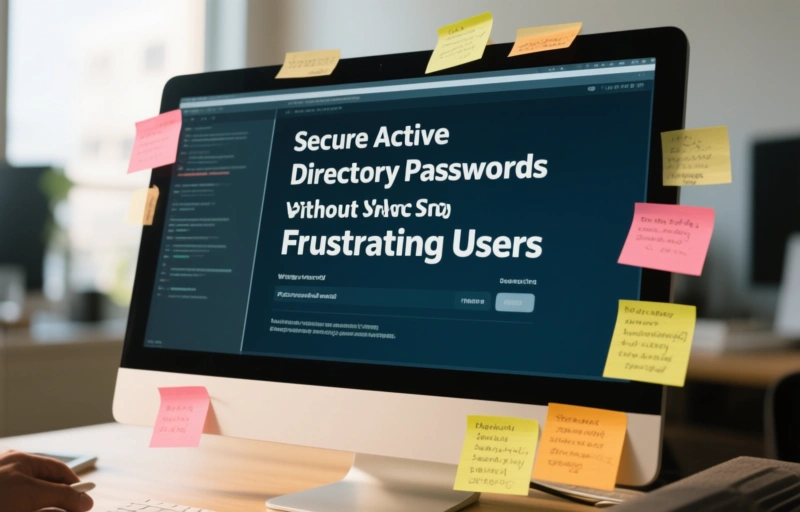
Weak passwords are a top cause of breaches. But forcing users to create complex, hard-to-remember passwords leads to sticky notes on monitors and frustrated helpdesk calls. The trick is to make security feel natural, not like a punishment. Think of it like locking your front door: you want it secure, but you don't want to spend five minutes wrestling with the lock every time you come home.
### Passphrases: A Simple Shift
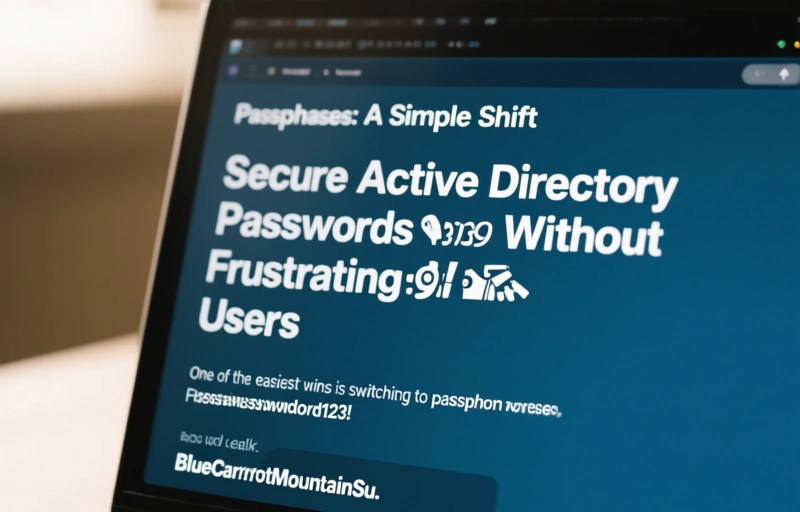
One of the easiest wins is switching to passphrases. Instead of "P@ssw0rd123!" (which is weak anyway), let users string together random words like "BlueCarrotMountainSunset." Passphrases are longer, harder to crack, and way easier to remember. Users actually like them. It's like trading a complex puzzle for a simple story.
### Breached Password Protection: Stop the Obvious
Another huge step is blocking passwords that have already been compromised. Attackers use databases of stolen credentials, so if a password appears in a breach, it's a risk. Tools like Specops Software's breached password protection check against live lists. This stops users from picking "Summer2024!" (which is probably already out there). It's a no-brainer for security, and users won't even notice.
### Self-Service Password Resets: Cut the Helpdesk Load
Nothing frustrates users more than getting locked out and waiting for IT. Self-service password resets let users fix things themselves. It's fast, easy, and reduces helpdesk tickets by up to 40%. Just set up verification via email or text, and users are back in business in minutes. It's like giving them a spare key instead of making them call a locksmith.
### Putting It All Together
Here's how you can balance security and usability:
- **Use passphrases** instead of complex passwords.
- **Enable breached password protection** to block risky choices.
- **Offer self-service resets** to reduce friction.
- **Set reasonable policies** like 8-character minimums and no forced rotations (unless there's a breach).
Remember, security should work for people, not against them. When you make it easier for users to do the right thing, they'll actually do it. And that's a win for everyone.
### Final Thoughts
Strong Active Directory passwords don't have to be a battle. By using passphrases, breached password protection, and self-service tools, you can build a secure environment that respects your users' time. It's about smart design, not brute force. Start small, test with a pilot group, and watch the frustration fade away.
A deeper breakdown of GoLogin Review 2026 — Fast, affordable anti-detect browser with cloud profiles - real examples, numbers, and what actually works.
A deeper breakdown of Undetectable.io Review 2026 — Unlimited local profiles with solid fingerprint masking - real examples, numbers, and what actually works.