TeamPCP Compromises LiteLLM Python Package with Backdoored Versions
Emily Davis ·
Listen to this article~4 min
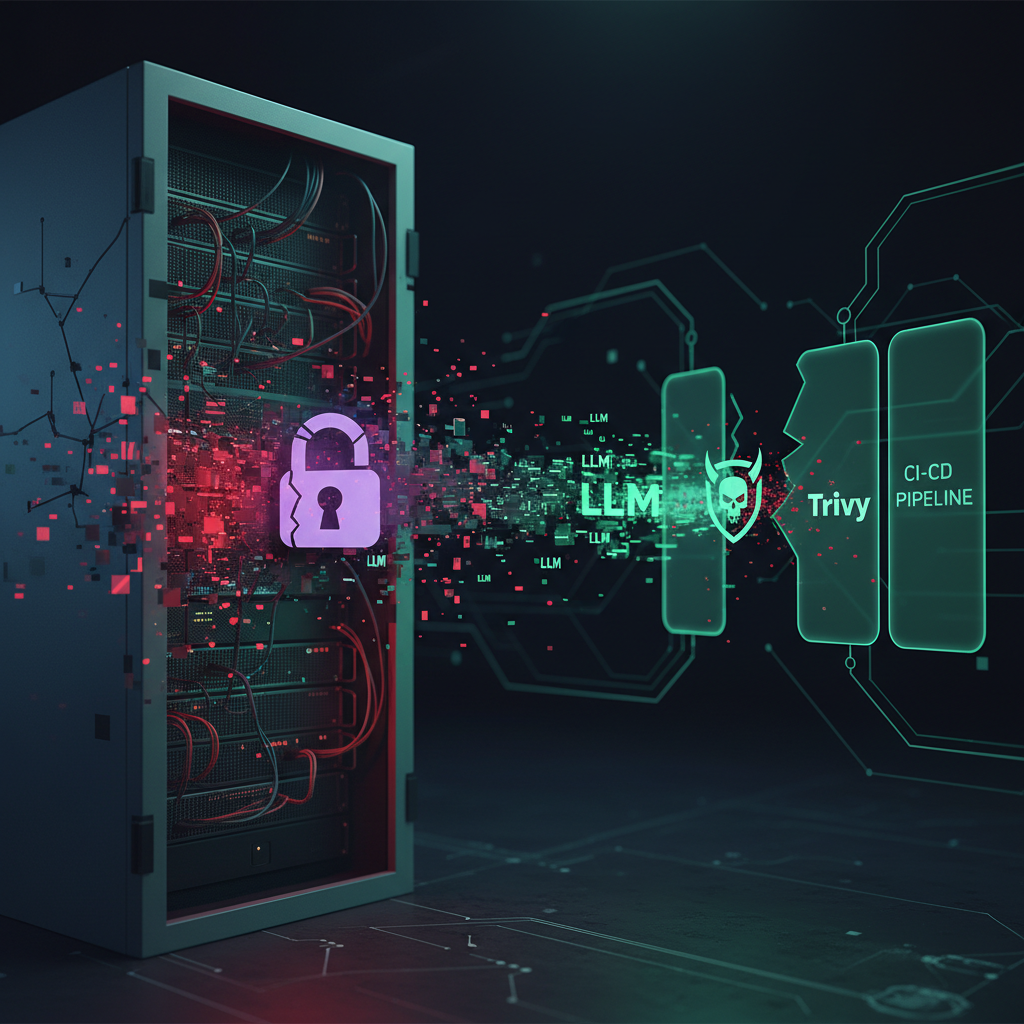
TeamPCP compromised Python package litellm with malicious versions 1.82.7 and 1.82.8 containing credential harvesters, Kubernetes toolkits, and persistent backdoors via likely CI/CD pipeline attacks.
Hey there. If you're working with Python packages or managing cloud infrastructure, you need to hear this. TeamPCP, the same threat actor behind those Trivy and KICS compromises we talked about last month, has struck again. This time, they've targeted a popular Python package called litellm.
It's serious. They pushed two malicious versions—1.82.7 and 1.82.8—that are far from simple bugs. We're talking about a full attack toolkit hidden inside what looks like routine updates.
Security teams at Endor Labs and JFrog sounded the alarm. They found these versions contain a credential harvester, a Kubernetes lateral movement toolkit, and a persistent backdoor. That's the kind of combination that keeps security professionals up at night.
### What's Inside These Malicious Packages?
Let's break down what TeamPCP packed into these updates. First, there's the credential harvester. It's designed to quietly scoop up access keys, API tokens, and login details from infected systems. Think of it like a digital pickpocket working in your server room.
Then there's the Kubernetes toolkit. This isn't just about getting in—it's about moving around once they're inside your cluster. They can jump from container to container, potentially accessing sensitive data across your entire cloud environment.
The persistent backdoor is perhaps the most concerning piece. Even if you discover and remove the initial infection, this component ensures they can get back in. It's like they've made a copy of your house key without you knowing.
### How Did This Happen?
The evidence points to a familiar pattern. TeamPCP likely compromised the CI/CD pipeline—the automated system that builds and publishes software updates. They've done this before with Trivy, and now they've apparently used similar tactics against litellm.
When developers trust their build systems, they don't always double-check every line of code in every update. That trust creates an opening. Attackers compromise one part of the pipeline, and suddenly malicious code gets published with all the legitimacy of a genuine update.
Here's what you should check immediately if you use litellm:
- Verify you're not running versions 1.82.7 or 1.82.8
- Review your CI/CD security controls
- Check for unusual network activity from your Python environments
- Audit credential usage in affected systems
### The Bigger Picture for Security Teams
This isn't an isolated incident. We're seeing a trend where attackers target the tools developers use every day. First it was security scanners like Trivy and KICS. Now it's AI-related packages like litellm.
The quote from one security researcher really stuck with me: "We're beyond simple malware. These are surgical strikes against development infrastructure."
What does that mean for you? It means assuming your dependencies could be compromised. It means implementing stricter verification for package updates. And it definitely means monitoring not just for attacks, but for signs that your build process itself has been tampered with.
### Protecting Your Environment
So what can you actually do? Start with the basics. Use package signing and verification. Implement software bill of materials (SBOM) to track what's in your applications. And consider tools that analyze dependencies for suspicious changes before they reach production.
For teams working with sensitive data or critical infrastructure, you might want to look at additional protective measures. Some professionals use specialized browsing environments for managing cloud consoles and accessing development tools, creating separation between different activities and reducing attack surfaces.
Remember—this attack succeeded because it looked legitimate. The malicious versions appeared as normal updates from a trusted source. That's why verification matters more than ever. Don't just update automatically. Know what you're installing and where it came from.
Stay safe out there. Keep your dependencies clean, your pipelines secure, and always verify before you trust.