Windows 10 Gets Critical Security Update KB5094127
Michael Miller ·
Listen to this article~5 min
Microsoft's Windows 10 KB5094127 update fixes June 2026 Patch Tuesday vulnerabilities and adds Secure Boot certificate monitoring. Install now to stay protected.
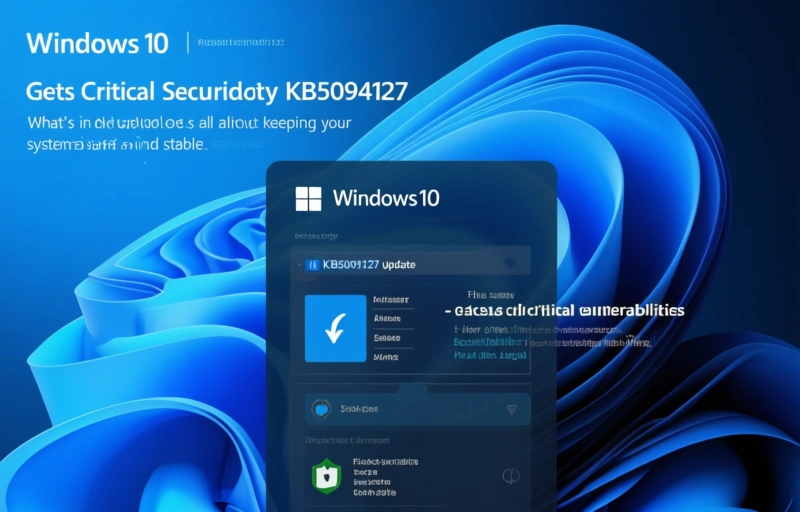
Microsoft just dropped the Windows 10 KB5094127 extended security update, and it's a big deal for anyone still running this OS. This patch doesn't just fix the June 2026 Patch Tuesday vulnerabilities—it also brings new tools to keep an eye on Secure Boot certificate updates. Those old certificates are expiring this month, so this update is your safety net.
### What's in the KB5094127 Update?
This update is all about keeping your system safe and stable. Here's what it does:
- **Fixes critical vulnerabilities**: It addresses security holes from the June 2026 Patch Tuesday rollout. These flaws could let attackers mess with your system, so patching is urgent.
- **Monitors Secure Boot certificate changes**: Microsoft added a new feature that tracks the rollout of updated Secure Boot certificates. This helps you see which devices have switched to the new certs and which haven't, so nothing slips through the cracks.
- **Extends support**: For businesses and power users who aren't ready to move off Windows 10, this update buys you more time with security fixes.
Think of it like this: if your computer's security is a house, Secure Boot is the front door lock. This update makes sure you've got a new key before the old one stops working.
### Why Secure Boot Matters Right Now
Secure Boot is a feature that stops unauthorized software from loading when you start your PC. It checks that every piece of boot code is signed by a trusted authority. The certificates that do this checking are expiring this month. If they expire without a replacement, your system could become vulnerable to bootkits and other nasty threats.
Microsoft's new monitoring feature in KB5094127 lets you see the status of these certificate updates across your devices. It's like a dashboard for your security posture. You can spot machines that haven't updated yet and push them to get the new certs. This is especially handy for IT admins managing fleets of computers.
### Who Should Install This Update?
This update is for anyone running Windows 10, but it's critical for:
- **Businesses**: If you have a network of Windows 10 machines, this patch keeps them all consistent and secure.
- **Remote workers**: With more people working from home, you need to ensure every device is protected, even if it's not on the corporate network.
- **Gamers and enthusiasts**: If you're sticking with Windows 10 for stability or compatibility, don't skip this update. It's free and easy to install.
### How to Get the Update
You can grab KB5094127 through Windows Update. Just go to Settings > Update & Security > Windows Update and check for updates. It should show up automatically. If you'd rather do it manually, head to the Microsoft Update Catalog and search for the KB number.
A quick tip: before you install, make sure you've backed up your important files. Updates can sometimes cause hiccups, and it's better to be safe than sorry.
### What About Windows 11?
If you're on Windows 11, you don't need this update—it's designed specifically for Windows 10. But the same Secure Boot certificate changes affect Windows 11 too. Microsoft will likely release a similar update for that OS soon. Keep an eye on your update settings.
### Final Thoughts
Windows 10 isn't dead yet, and this update proves Microsoft is still investing in its security. The KB5094127 patch is a solid reason to keep your system up to date. Don't wait until something goes wrong—install it now and give yourself peace of mind.
Remember, the best defense against cyber threats is staying current with patches. This one is a no-brainer.
A deeper breakdown of GoLogin Review 2026 — Fast, affordable anti-detect browser with cloud profiles - real examples, numbers, and what actually works.
A deeper breakdown of Undetectable.io Review 2026 — Unlimited local profiles with solid fingerprint masking - real examples, numbers, and what actually works.