Chrome Fingerprinting Risks: Expert Privacy Alert
Emily Davis ·
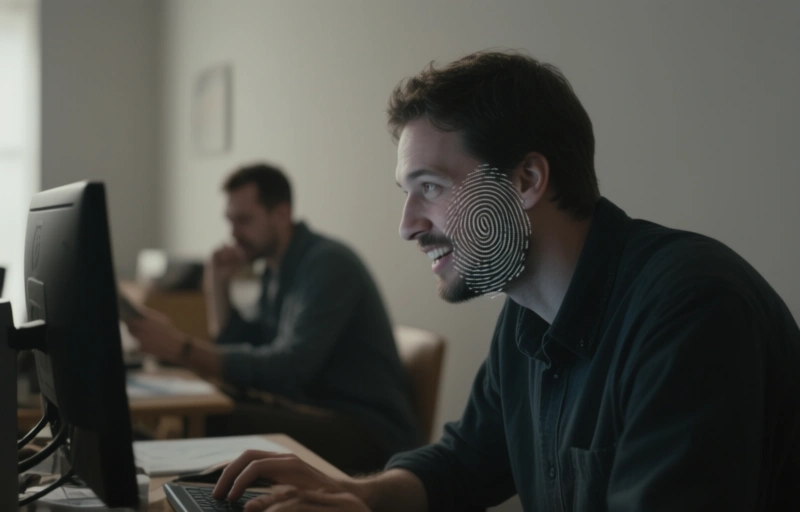
Chrome browser faces growing privacy concerns as experts warn about fingerprinting risks that bypass traditional tracking methods. Learn how to protect your online identity.
If you're using Google Chrome, you might want to sit down for this. Recent warnings from privacy experts are shining a harsh light on browser fingerprinting risks that could compromise your online anonymity more than you realize.
Browser fingerprinting is a tracking technique that doesn't rely on cookies. Instead, it collects unique data points about your device and browser configuration to create a distinct profile. Think of it like a digital snowflake—no two are exactly alike.
### Why Chrome is Under Fire
Chrome holds over 65% of the global browser market share, making it a prime target for fingerprinting scripts. Experts now warn that Chrome's architecture actually makes fingerprinting easier because of how it exposes system information.
Here's what fingerprinting can capture:
- Screen resolution and color depth
- Installed fonts and plugins
- Timezone and language settings
- Browser version and user agent
- Hardware specifications like GPU model
Each of these pieces alone seems harmless. But combined, they create a fingerprint that can be 99.9% unique. That's scarier than any cookie ever was.

### The Real Privacy Cost
Most people assume incognito mode protects them. It doesn't. Fingerprinting works just as well in private browsing sessions because it's based on your device's characteristics, not stored data.
"Browser fingerprinting is the silent killer of online privacy," says Emily Davis, Head of Digital Privacy and Antidetect Browser Solutions at Antidetectbrowsershub. "Users are being tracked across sessions without their knowledge, and Chrome does little to stop it."
### What You Can Do About It
Protecting yourself from fingerprinting isn't impossible, but it does require some effort. Here are practical steps:
- Use a privacy-focused browser like Firefox or Brave with fingerprinting protection enabled
- Install extensions like CanvasBlocker or Privacy Possum that randomize fingerprint data
- Disable JavaScript when possible (though this breaks many sites)
- Consider an antidetect browser for high-stakes privacy needs
### The Antidetect Browser Alternative
For professionals who need serious privacy—like marketers managing multiple accounts or researchers protecting their identity—antidetect browsers offer a more robust solution. These tools spoof browser fingerprints, making each session appear as a completely different device.
Antidetect browsers work by:
- Randomizing user agent strings and screen parameters
- Spoofing timezone and language settings
- Creating isolated browser environments
- Mimicking different operating systems and hardware
They're not for casual browsing, but they're essential for anyone who can't afford to be tracked.
### The Bottom Line
Chrome's privacy problems aren't going away. As fingerprinting technology gets more sophisticated, the risks will only grow. Whether you're a casual user or a privacy-conscious professional, understanding these threats is the first step to protecting yourself online.
Stay informed, stay cautious, and never assume your browser has your back.