Hackers are using Google ads to target ManageWP logins, putting WordPress site managers at risk. Learn how the scam works and how antidetect browsers can help protect your client accounts.
You know how you trust Google search results? Most of us do. We see a sponsored ad at the top and figure it's legit. Well, a new phishing campaign is exploiting that trust. Hackers are buying Google ads that look like they lead to ManageWP, GoDaddy's platform for managing multiple WordPress sites. Instead, those ads take you to a fake login page that steals your credentials.
This isn't just a small threat. If you manage a fleet of WordPress sites for clients, losing your ManageWP login could be a disaster. Attackers could hijack dozens or even hundreds of sites in one shot. Let's break down what's happening and how you can protect yourself.
### How the Scam Works
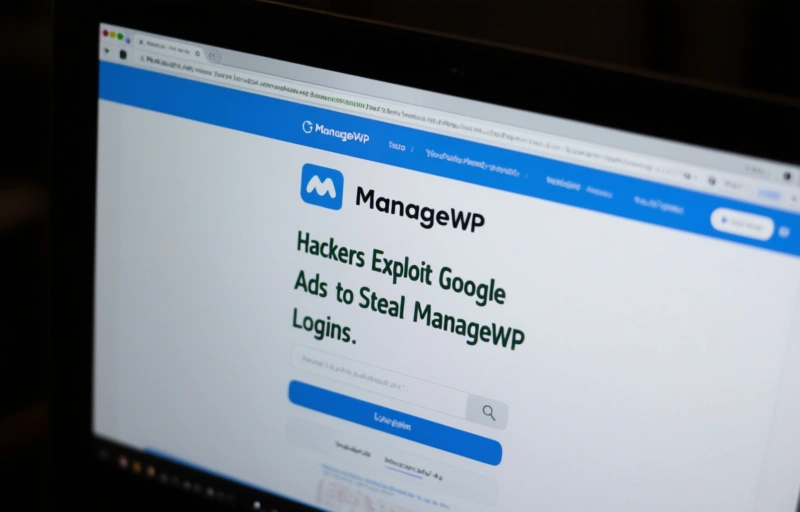
The hackers create Google ads that mimic the official ManageWP login page. When you search for "ManageWP" or related terms, their ad appears at the top. You click it, thinking it's safe, and land on a page that looks identical to the real login. But it's a trick.
- The fake page captures your username and password.
- Some versions also ask for two-factor authentication codes.
- Once the hackers have your info, they log into your real ManageWP account.
From there, they can inject malicious code into your client sites, steal data, or redirect traffic. It's a classic phishing attack, but using Google ads makes it feel more trustworthy.
### Why This Is Dangerous for Professionals
If you're a web developer, agency owner, or freelancer managing multiple WordPress sites, your ManageWP account is a goldmine. One compromised login can expose dozens of client projects. And let's be honest, many of us reuse passwords or skip two-factor authentication because we're busy.
> "A single phishing click can undo years of client trust."
That's the reality. You're not just protecting your own site—you're protecting your reputation and your clients' businesses. The stakes are high, and this campaign shows how sophisticated attackers have become.
### How to Spot the Fake Ads
Here's what to look for when you search for ManageWP:
- Check the URL before you click. The real ManageWP is at `managewp.com`. Look for slight misspellings or extra words.
- Hover over the ad link (on desktop) to see the actual destination.
- Look for the "Ad" label next to the result. That doesn't mean it's safe, but it tells you it's sponsored.
Once you're on the page, check the browser address bar. If it's not exactly `managewp.com`, don't enter anything. Also, legitimate login pages use HTTPS with a padlock icon.
### What You Can Do Right Now
Protecting yourself doesn't have to be complicated. Here are a few steps you can take today:
- Enable two-factor authentication on your ManageWP account. This adds a second layer of security even if your password is stolen.
- Use a password manager. It won't auto-fill on fake sites, which is a dead giveaway.
- Bookmark the real ManageWP URL and use that instead of searching.
- Consider using an antidetect browser for managing client accounts. These browsers create isolated profiles that make it harder for phishing attacks to spread.
### Why Antidetect Browsers Help
An antidetect browser lets you run multiple online identities or sessions without them interfering with each other. For professionals managing many client sites, this is a game-changer. If you accidentally click a phishing link in one profile, your other profiles remain safe. It's like having separate computers for each client, but all on your desktop.
- Create a dedicated profile for ManageWP.
- Use different profiles for different clients.
- Keep your personal browsing separate from work.
This approach limits the damage if something goes wrong. Plus, it's easier to spot unusual activity when each profile has its own settings and history.
### Final Thoughts
Phishing through Google ads isn't new, but it's getting more targeted. The ManageWP campaign is a reminder that even trusted platforms can be used against us. Stay vigilant, double-check every link, and use tools like antidetect browsers to add an extra layer of protection. Your clients depend on you.
If you haven't already, take five minutes today to enable two-factor authentication and bookmark the real ManageWP site. It's a small step that can save you a lot of headaches.